Proactive Support for Leaders: Cut 30–50% of Tickets with Human Review

Proactive support messaging is outbound, signal-triggered communication that resolves or explains a problem before the customer ever notices it. Done well, it cuts tickets for targeted issues by roughly 30 to 50 percent and lifts satisfaction scores on those same interactions. This guide covers the signals worth watching, the templates that actually work, and the ownership rules that stop automation from becoming its own liability.
TL;DR:
- Automated triggers are most effective when monitoring stalled conversations, repeated failures, error spikes, or drops in account health for targeted proactive outreach.
- Starting with high-volume, predictable issues such as billing alerts or onboarding checks allows quick implementation and measurable impact within weeks.
- All proactive messages must include clear actions, immediate relevance, and an opt-out, with timing and channel selection based on issue urgency and context.
- Human oversight, including assigning owners and SLAs, is essential for regulatory compliance and preventing automation from generating new tickets.
- Measuring success relies on ticket reduction, customer satisfaction improvement, follow-up completion, and churn prevention, with careful attribution to avoid overestimating impact.
Table of Contents
- How proactive support messaging actually works
- Proactive support examples worth building first
- What signals to monitor and how to set thresholds
- Writing the message: templates, channels and timing
- Ownership, escalation and human review
- Measuring impact: KPIs and experiment design
- Where proactive messaging goes wrong
- AGENTRIA in practice: proactive messaging with human oversight
- Practical next steps for support leaders
- Get proactive messaging right with human oversight built in
- Sources
How proactive support messaging actually works
The mechanics are simple even when the engineering isn’t: a signal fires, a trigger evaluates it against a threshold, and an outreach message goes out through whichever channel fits the moment. Microsoft’s Teams platform documentation lays out the underlying pattern well: a system stores a conversation reference the first time a customer interacts with a bot, then reuses that reference to send, update, or delete messages later without waiting for the customer to speak first.
The harder question is where automation stops and a human takes over. Fully automated triage works for low-stakes nudges. Anything involving money, account status, or regulated disclosure needs a person reviewing the draft before it ships. That’s also what separates proactive support from marketing pushes: support messages exist because something specific happened to this account, not because a campaign calendar said Tuesday.
Proactive support examples worth building first
Four categories cover most of what a support team needs, and each one maps to a specific trigger.
Onboarding nudges. If a new account hasn’t completed a key setup step within 48 hours, a short check-in beats waiting for them to churn quietly.

Billing and renewal alerts. Failed payments, expiring cards, and upcoming renewals are entirely predictable and entirely preventable as tickets.
Known-issue notices. When an outage or bug affects a segment of customers, tell them before they open a ticket describing the exact problem you already know about.
Feature education and migration notices. Customers using a deprecated feature or missing a newer one benefit from a nudge rather than discovering the gap on their own.
A practical build order:
- Pick the highest-volume ticket category you can predict in advance.
- Write one trigger condition and one message template for it.
- Run it for two to three weeks before adding a second use case.
- Only then expand into onboarding, billing, and incident categories together.
What signals to monitor and how to set thresholds
Not every signal deserves a trigger. The ones worth building around are stalled conversations, repeated failed actions, error-rate spikes, and drops in an account health score. Front’s guidance on monitoring at-risk accounts points to a useful pattern here: a two-strike alert, where a customer fails the same action twice within 24 hours, filters out one-off mistakes while still catching genuine friction.
Rolling windows work better than single-event triggers for noisy signals like error spikes, since a single error rarely means anything but a sustained spike over an hour usually does.
- Stalled conversations with no reply after a set window
- Failed actions repeated within a short timeframe
- Error rate spikes measured over rolling periods, not single events
- Health-score drops below a defined threshold
Pro Tip: Run new triggers against a small cohort for a week before rolling them out fully. A trigger that looks precise on paper often catches far more false positives than expected once it meets real usage data.
Writing the message: templates, channels and timing
A proactive message that raises more questions than it answers just sends the customer straight back into your queue, which is the exact opposite of the point. Corebee’s template guidance covers the fields that keep this from happening: the reason for the message, what happened, current status or an ETA, what the customer should do next, how to reach support, and an opt-out link.
Channel choice depends on urgency, not habit:
- In-app messages for urgent, contextual fixes the customer needs right now
- Email for anything that needs a durable record, like billing changes or policy updates
- SMS for time-critical issues such as a failed payment or a security alert
WhatsApp Business’s guidance on proactive messaging follows the same logic: match the channel to how quickly the customer needs to act, not to which channel is easiest to automate.
Timing matters as much as content. A rough sequence:
- Send the first message as close to trigger time as the issue allows.
- Cap follow-ups to one reminder unless the issue is unresolved.
- Suppress further proactive messages to the same account for a defined cooldown period.
Ownership, escalation and human review
A proactive message without an owner is a liability. Crisp’s research on proactive customer service makes the point plainly: outreach that isn’t tied to a follow-up owner and an SLA tends to create new tickets rather than prevent them, because nobody catches the reply that comes back.
Build this into the workflow from day one:
- Assign a named owner or team to every proactive message category before it goes live
- Set an SLA for responding to any reply the message generates
- Preserve full context on handoff so a second agent isn’t starting from zero
- Require human sign-off before any message touches billing, account status, or regulated disclosures
That last point matters more than teams expect. Automation can draft or triage a message in seconds, but a person checking it before it reaches the customer is what prevents a compliance problem from becoming a public one.
Measuring impact: KPIs and experiment design
Four metrics tell you whether proactive messaging is working: ticket reduction for the targeted issue, proactive CSAT, follow-up completion rate, and churn avoided among flagged accounts. Corebee’s data shows well-targeted proactive outreach typically improves CSAT by 10 to 20 percent on the interactions it touches, on top of the ticket reduction itself.
The trap is attribution. Front’s advice on this is worth following closely: measure prevented tickets against a control window rather than just counting messages sent, or you’ll over-claim credit for a drop that was already happening.
Worthwhile experiments to run early: A/B test two message templates for the same trigger, test a tighter versus looser threshold on the same signal, and compare channel performance for the same issue type.
Where proactive messaging goes wrong
The same failure mode shows up again and again: a message that states a problem exists without saying what happens next sends the customer straight back into your queue with a new question. Every message needs a clear action, even if that action is just “no action needed, this resolves automatically.”
Consent and data minimisation matter too. Only use the signals you actually need to justify the message, and give every proactive message a working opt-out. Build a pause rule for any trigger tied to an unresolved incident. If the underlying issue is still being fixed, sending five variations of “we’re aware” adds noise without adding value.
AGENTRIA in practice: proactive messaging with human oversight
Agentria was built around the constraint that most proactive messaging guides skip entirely: regulated industries can’t automate outreach without a human checking it first. The platform runs multi-channel proactive workflows across email, live chat, SMS, and Telegram, with every AI-drafted message reviewed by staff before it reaches a player.

For responsible gambling outreach, that human-in-the-loop step isn’t optional. A missed nuance in an automated message to a flagged player carries real regulatory weight, so Agentria logs the conversation ID, message ID, and reviewer ID against every sent item, giving operators a complete audit trail rather than a black box. That combination of speed and accountability is what proactive messaging needs to work in a market where getting it wrong has consequences beyond a bad review.
Practical next steps for support leaders
Start narrow. Pick the single highest-volume ticket you can predict in advance, build one trigger, one template, and track one KPI against it for six to eight weeks. Assign an owner before launch, not after. If the outreach touches billing, account status, or anything regulated, make human review non-negotiable from the first message, not a fix you add once something goes wrong.
Get proactive messaging right with human oversight built in
Agentria gives support teams the audit-ready compliance layer that most proactive messaging tools skip. Every AI-drafted message, whether it’s a payment alert or a responsible gambling nudge, gets reviewed by staff before it reaches a player, so speed never comes at the cost of regulatory exposure.
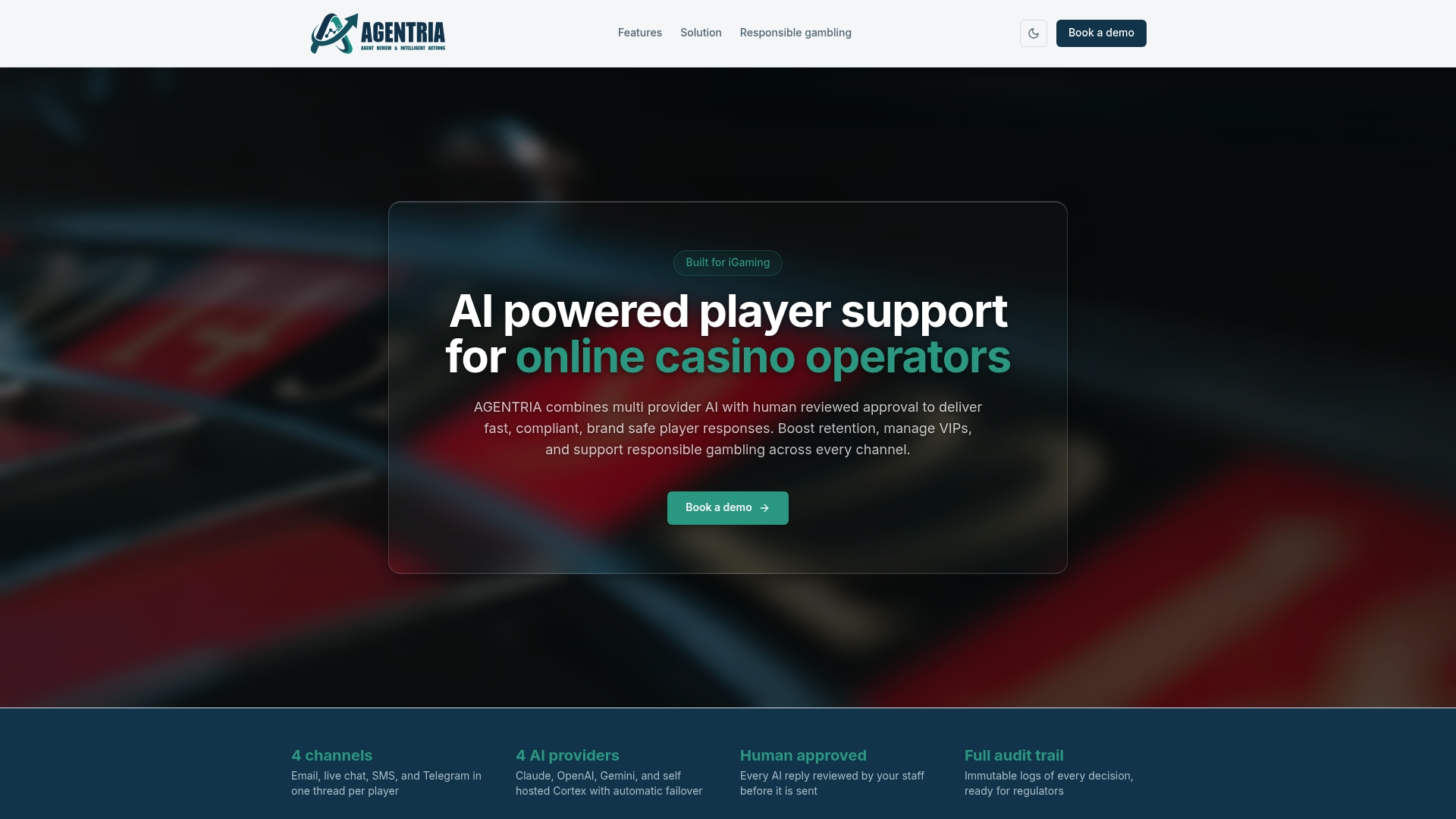
That review step runs across every channel from a single dashboard, covering email, live chat, SMS, and Telegram, with full feature access including sentiment detection, VIP queue management, and multilingual support built in from the start. Operators running proactive campaigns get the audit trail regulators expect without slowing down the response times players expect. If you’re weighing up how to scale proactive outreach without losing oversight, book a demo and see how the review workflow fits your existing support team.
Sources
- Send proactive messages - Microsoft Teams platform
- Proactive customer support guide — Corebee
- Proactive customer service — Crisp
- Why proactive customer support matters — Front
Recommended
See AGENTRIA on your support workflow
Book a walkthrough tailored to your brands, channels, and compliance requirements.